
Appearance
How teams work
The team is where the real work lives. Organizations and business units are scaffolding. A team owns things.
Organization
   └── Business Unit
          └── Team              ← you are here
                 ├── Profiles
                 ├── Assignments
                 ├── Members
                 └── Default capture settings
Open Teams in the left menu and choose a team to see everything it owns.
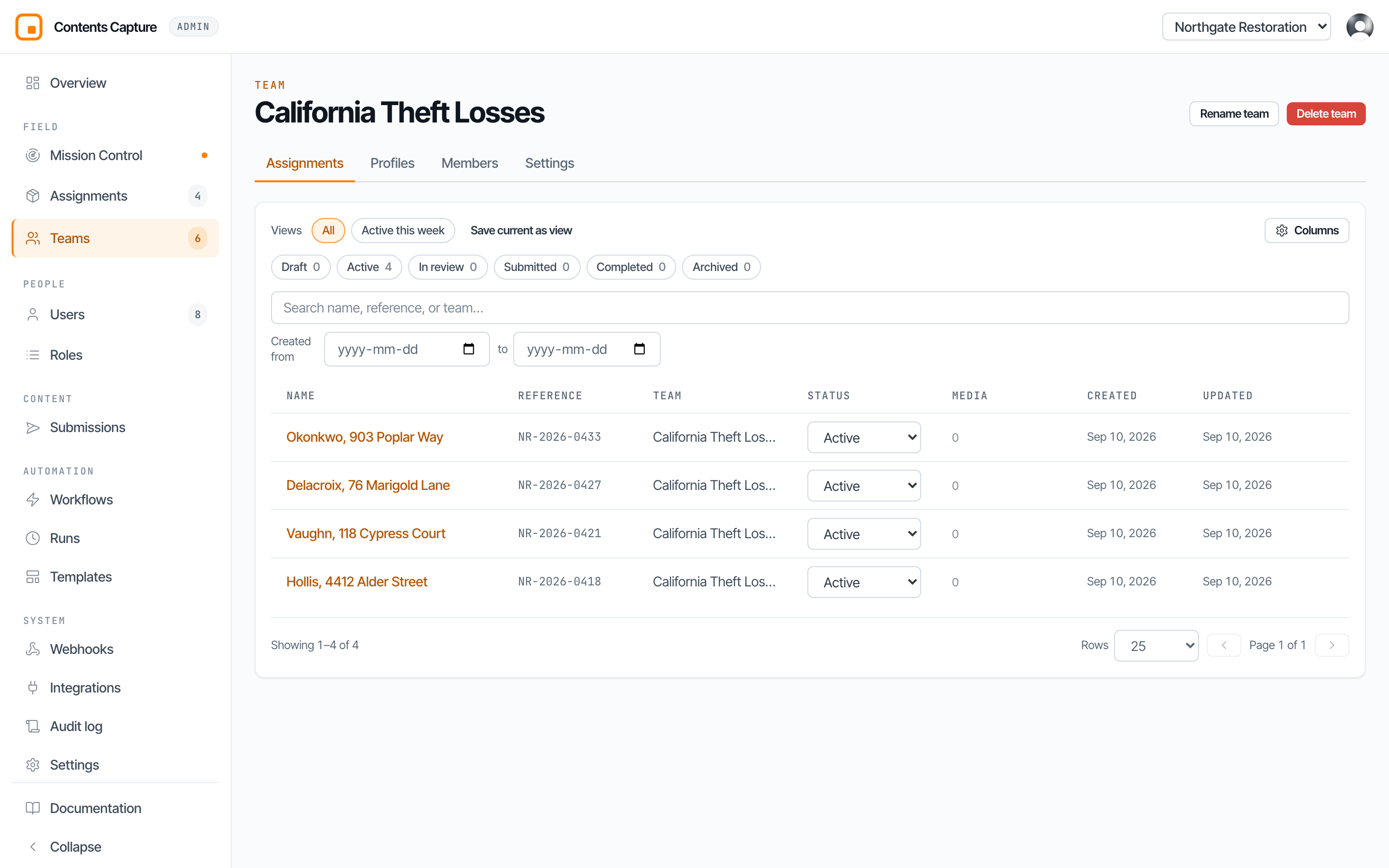
The four things a team owns
| Tab | What is in it |
|---|---|
| Assignments | Every job this team is working, past and present. |
| Profiles | The reusable question sets this team captures against. |
| Members | Who is on the team, and what each of them may do. |
| Settings | The capture defaults new assignments start from. |
This is why the team matters so much. An assignment cannot exist without a team, because the team is what supplies its questions, its people, and its settings.
How to divide your teams
Most firms instinctively split teams by geography, because that is how staff rotas work. It is usually the wrong answer here.
Split by the kind of loss you are documenting instead.
The reason is the Profiles tab. A profile is the list of questions asked in the field, and a fire loss and a theft loss need genuinely different questions. If one team covers both, its profile list becomes a jumble and field staff pick the wrong one.
| Works well | Works badly |
|---|---|
| Total Loss Fire | North Team |
| California Theft Losses | Tuesday Crew |
| Water Damage, Commercial | Everyone |
| Self Service Storage | Overflow |
TIP
A useful test: if two kinds of job would ask the insured different questions, they probably want different teams.
You can still reflect geography. That is what the business unit above it is for.
Creating a team
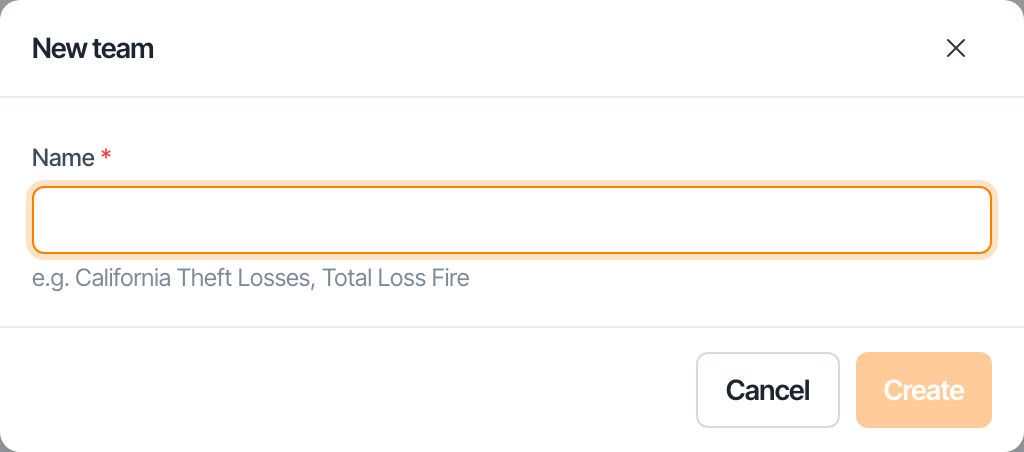
Teams live inside a business unit, so you create them from the Teams page. Your first team is created for you as part of the business unit wizard.
To add another, open the business unit and choose New Team. You need to be an org admin, a business unit admin for that division, or a team admin.
Default capture settings
Under Settings you decide what every photograph taken by this team carries.
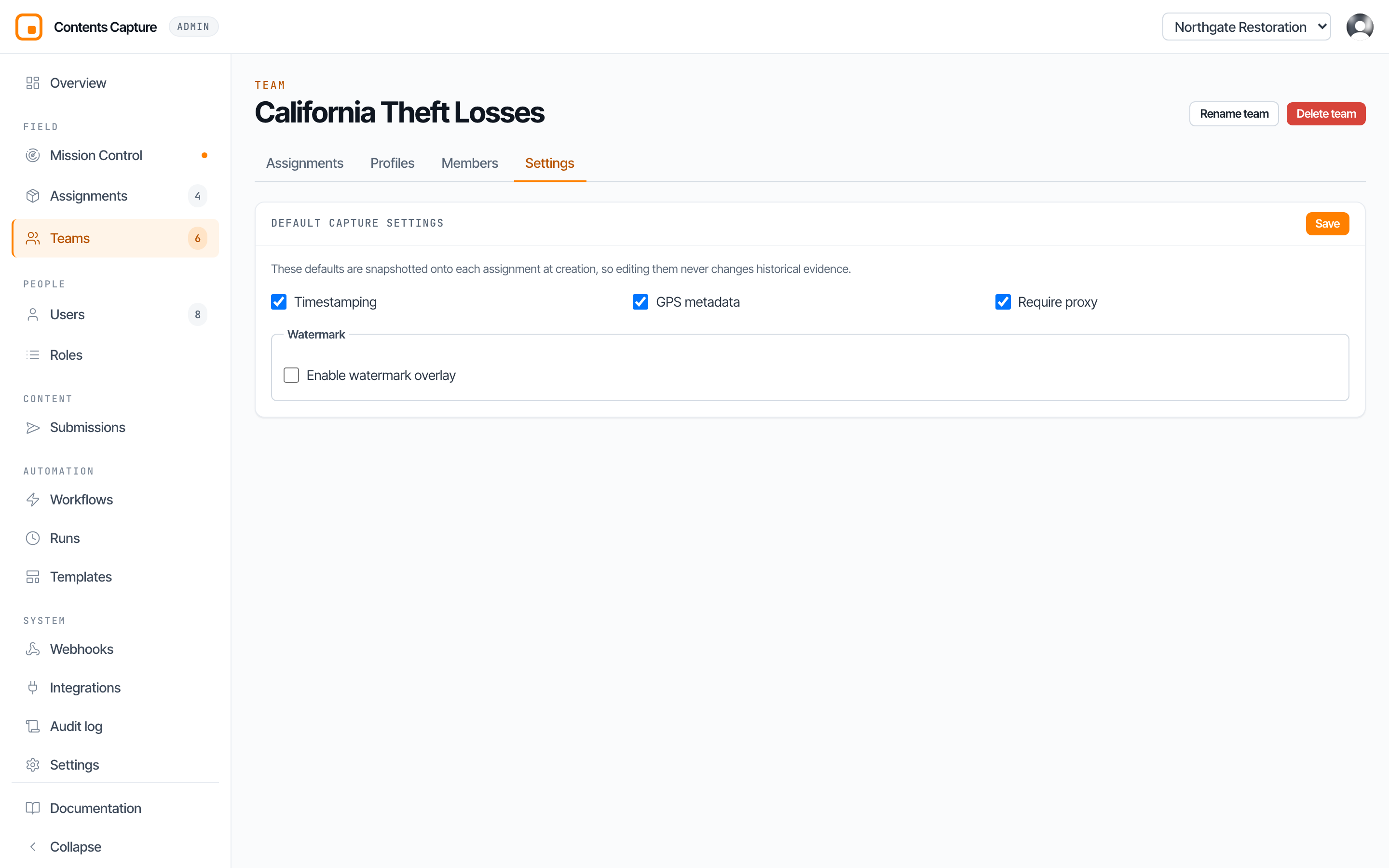
| Setting | What it does |
|---|---|
| Timestamping | Records exactly when the photograph was taken. |
| GPS metadata | Records where it was taken. Needs location permission on the phone. |
| Watermark | Burns details visibly onto the image itself. |
| Require proxy | Waits for a small compressed copy before calling the item ready. The full quality original is always kept. |
The watermark can carry the time, the person who captured it, the room, the assignment, and a line of your own text such as a claim number. You choose where it sits on the image and how strong it looks.
Why this is worth getting right
Timestamp, GPS, and watermark are what turn a photograph into evidence that stands up when a carrier questions it. Setting them once per team means nobody in the field has to remember.
The snapshot rule
Here is the behaviour that catches people out, and it is good news.
When an assignment is created, it takes a permanent copy of the team's settings at that moment. Change the team's defaults tomorrow and every assignment already in the field carries on exactly as before.
Nothing you change today can quietly rewrite the rules of a job somebody is halfway through documenting. Old evidence keeps the rules it was captured under.
TIP
So change team defaults freely. The blast radius is only future assignments.
If you need to change a job already running, edit that assignment directly.
Members
The Members tab is who is on this team and what each may do. Add somebody by email address or mobile number and give them a role.
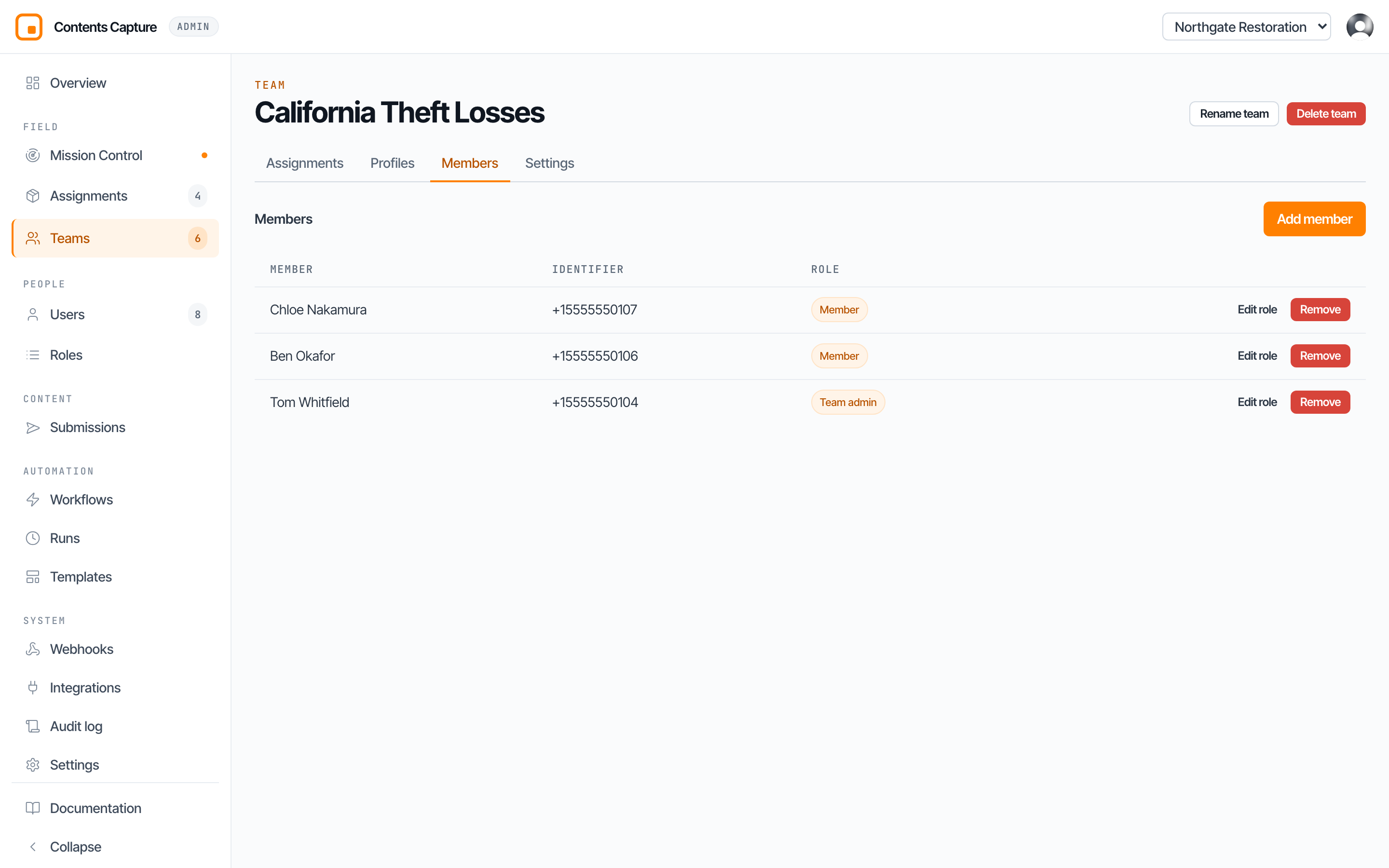
Roles here are scoped to this team. A team admin runs this team and has no say over any other. See Access levels for the full picture, and Inviting another admin for how to bring somebody in.
WARNING
Removing somebody from a team removes their access to that team's assignments. It does not delete their account, and it does not touch the work they already captured. Their photographs stay exactly where they are, still attributed to them.
Next: How profiles are set up.